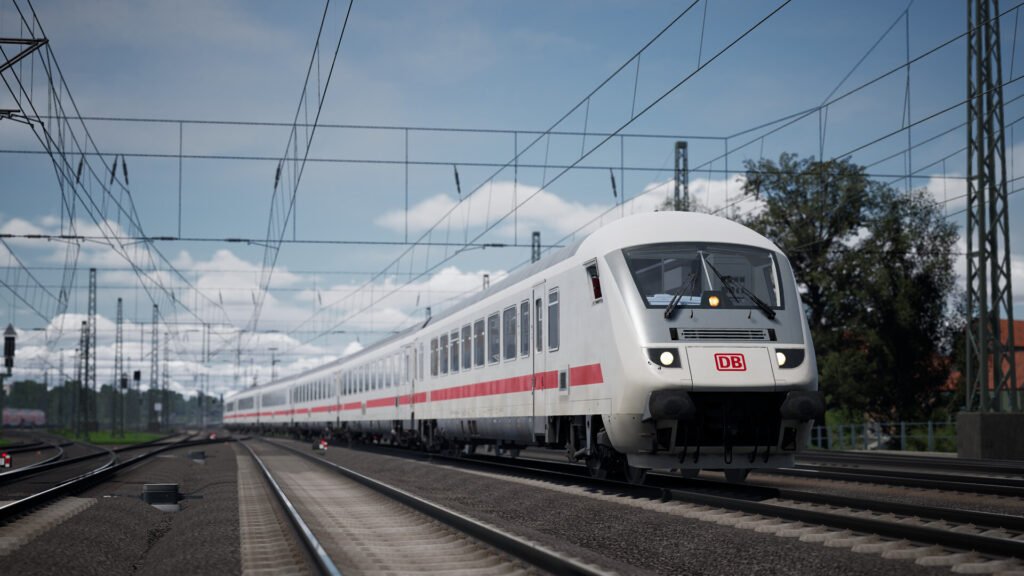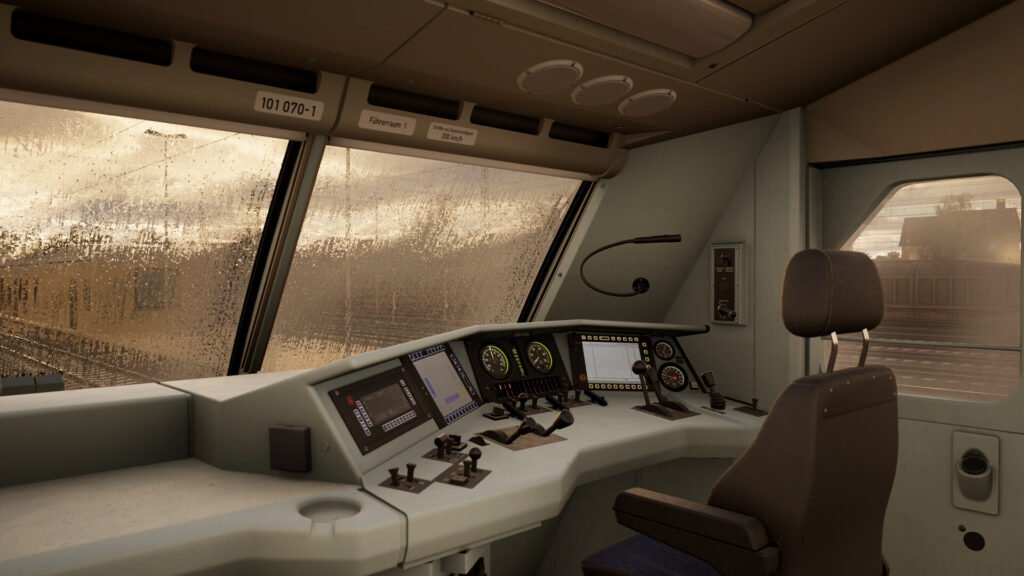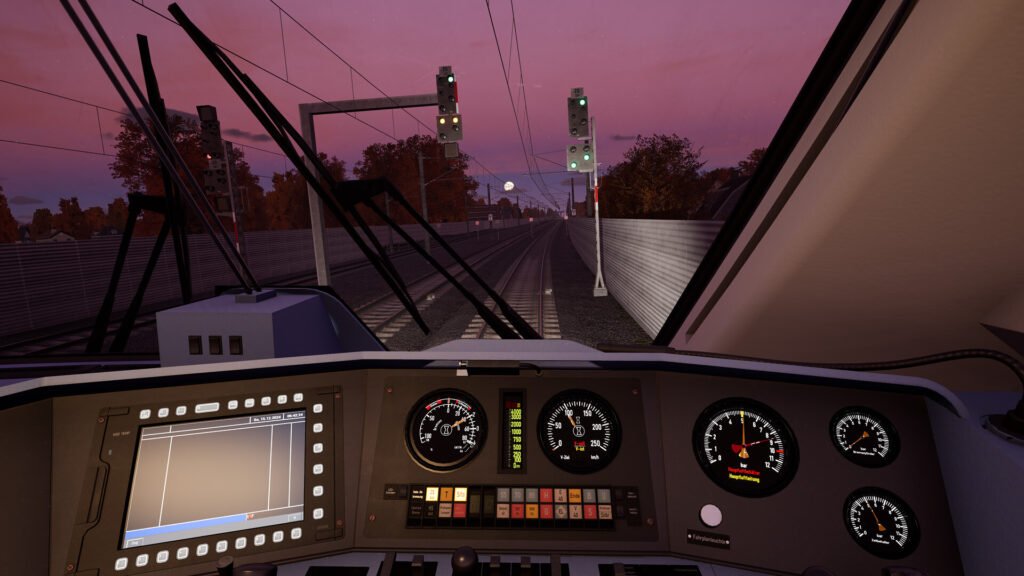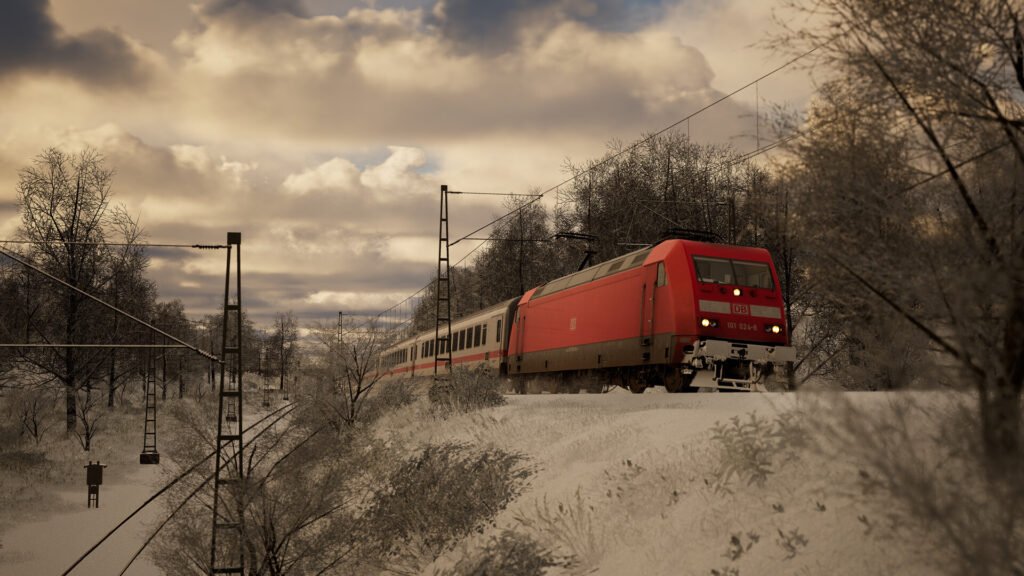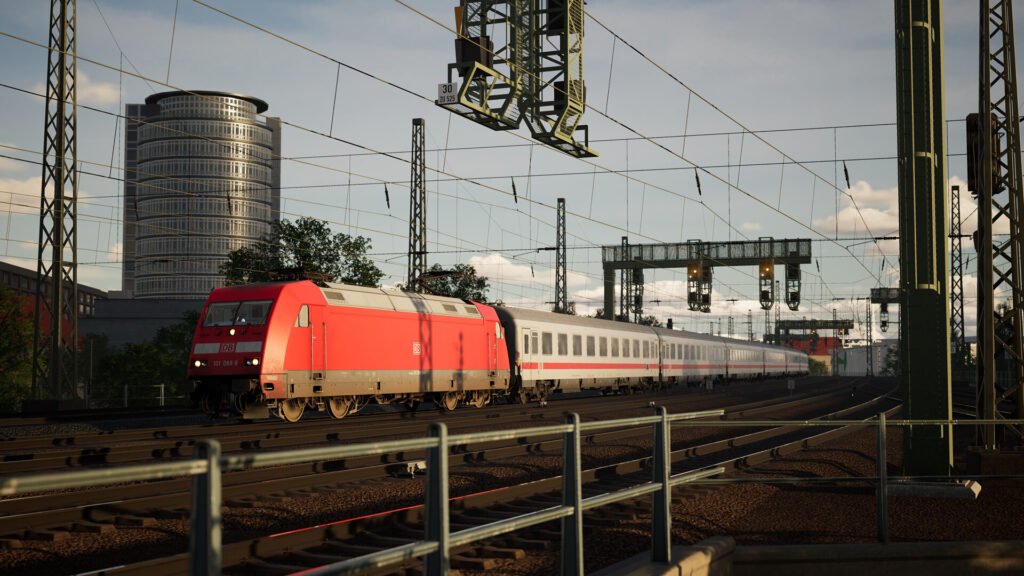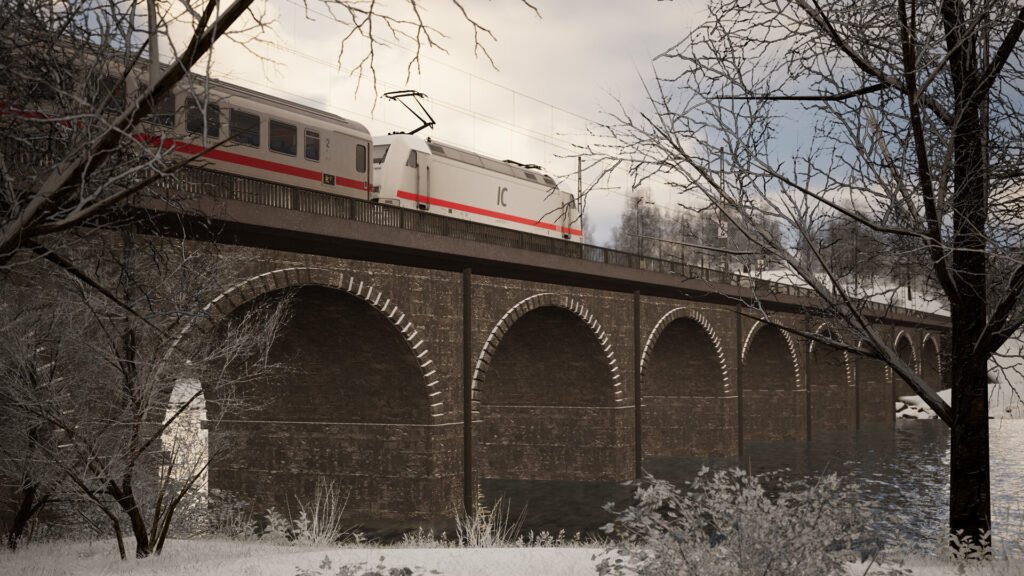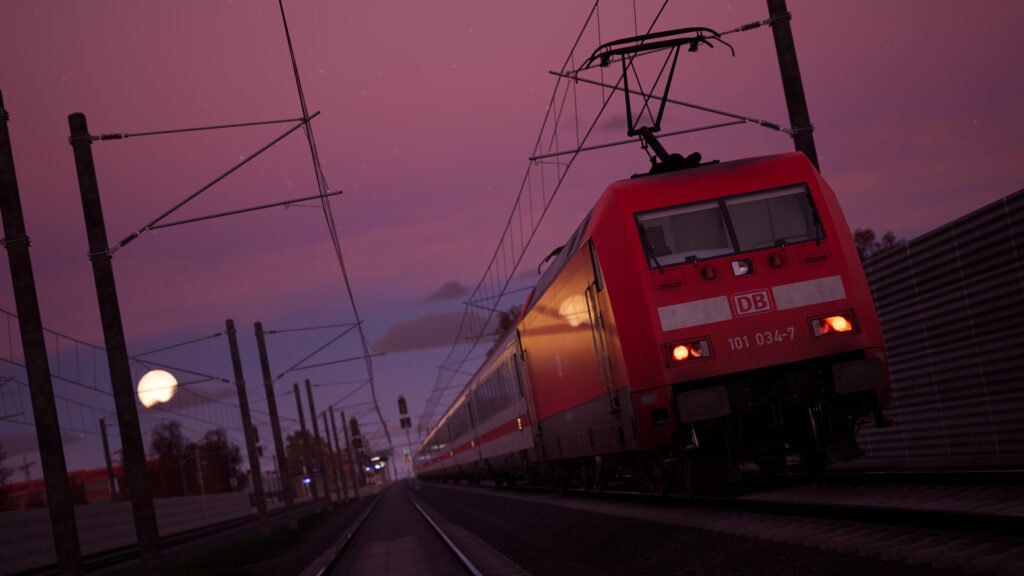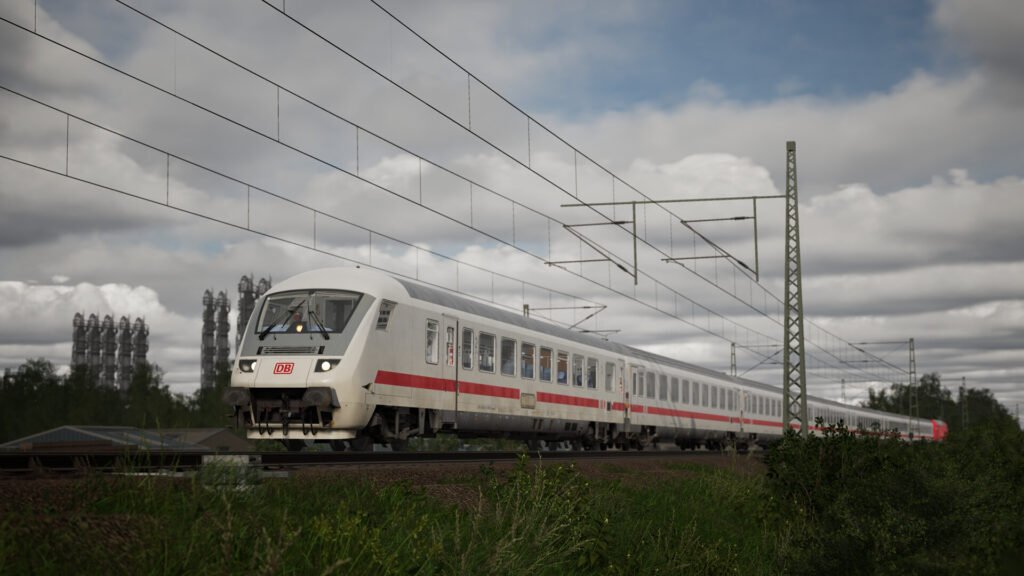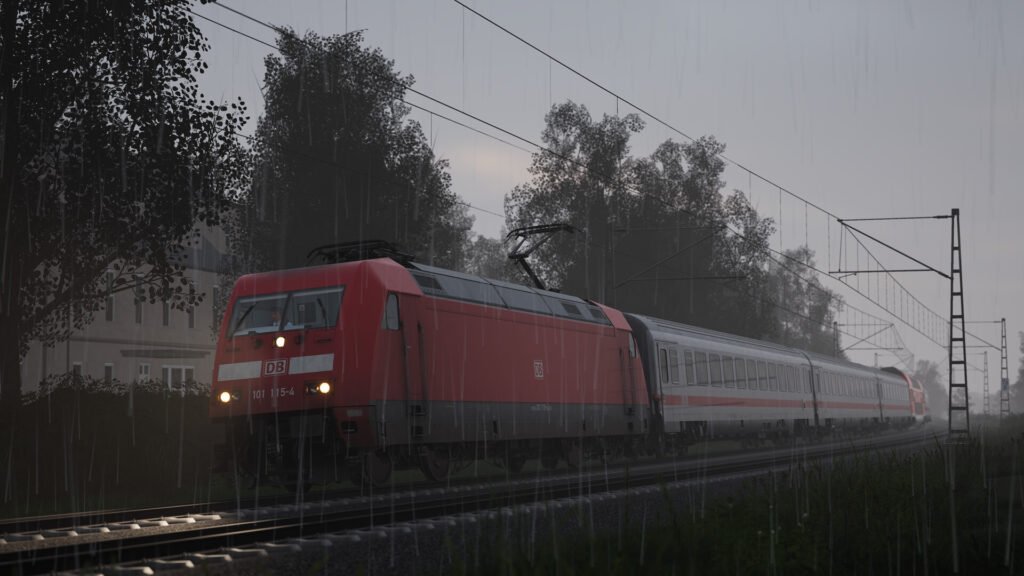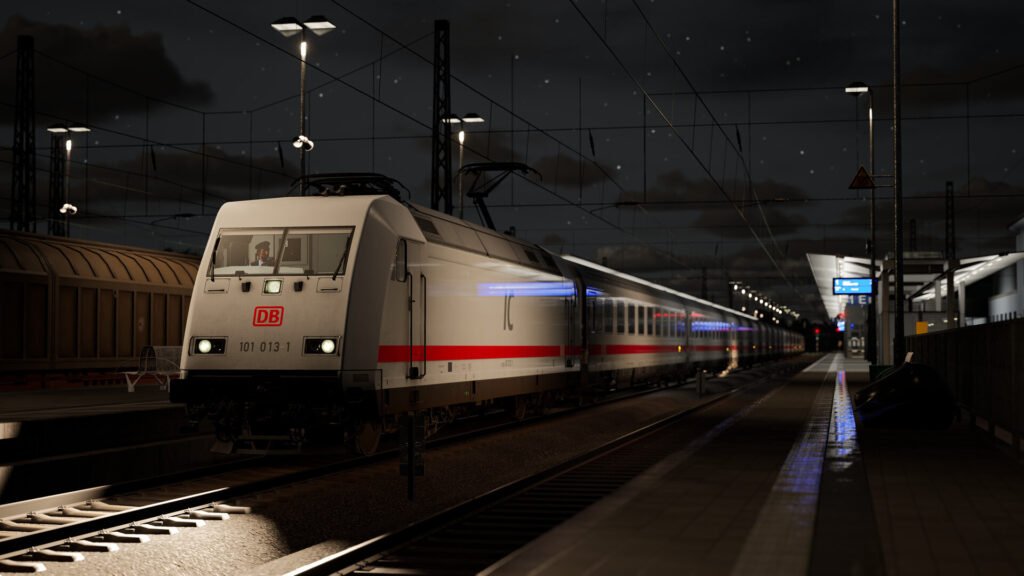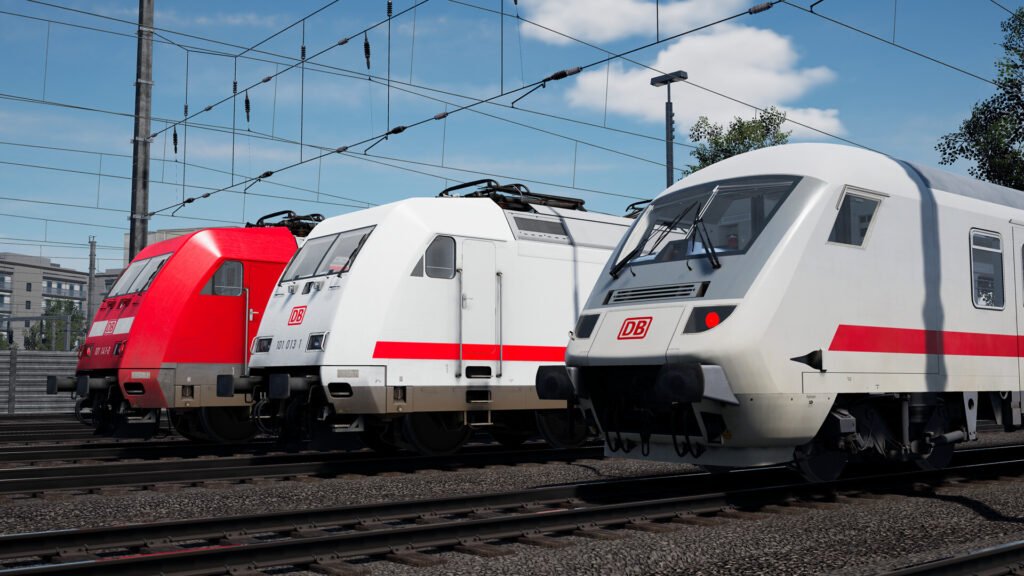


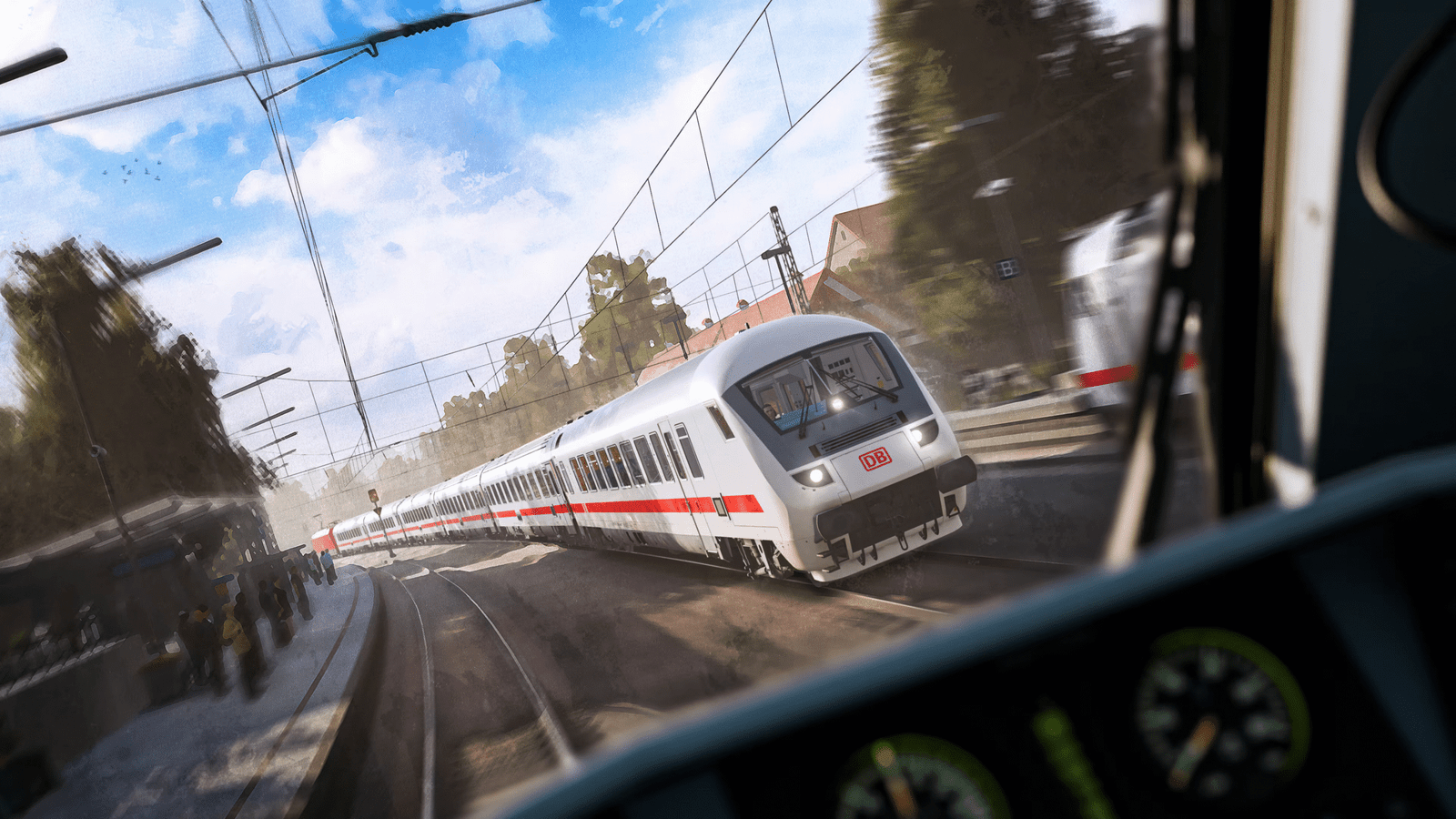
The Expert DB BR 101 & IC Steuerwagen Loco Add-On for Train Sim World represents the pinnacle of simulation realism in the franchise. Developed by TrainSim-Germany (TSG), this content is categorized as “Study Level,” requiring players to master the complex systems of the German Inter-City (IC) locomotive and cab car.
🔑 Key Expert Features
This add-on goes far beyond standard TSW content by simulating key operational and mechanical aspects:
- Advanced System Simulation:
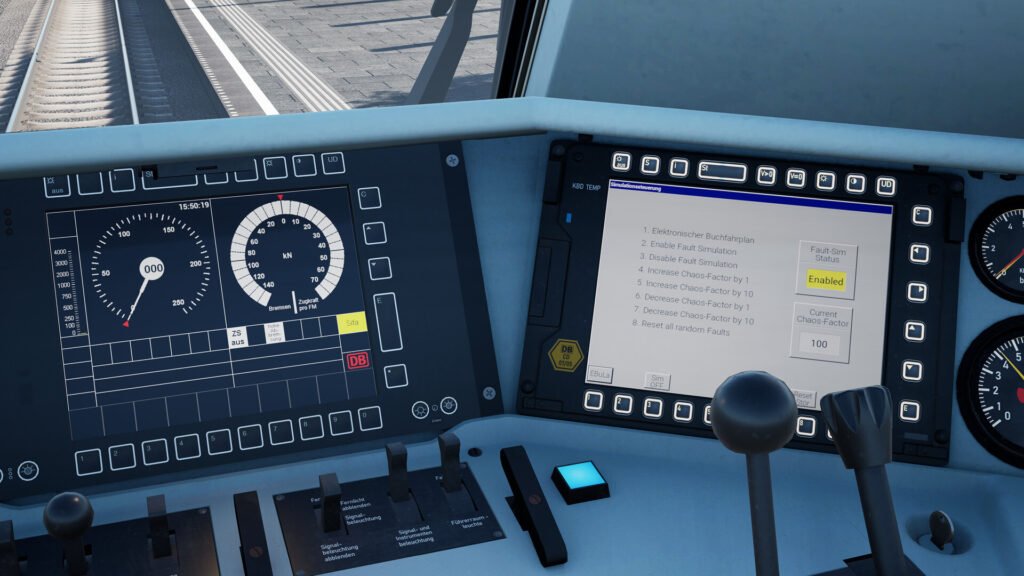
- Fault Management: Features an integrated fault module that generates random malfunctions (e.g., electrical or temperature issues), forcing players to diagnose and rectify them using the in-game fault-finding screens and the provided Driver’s Manual (PDF).
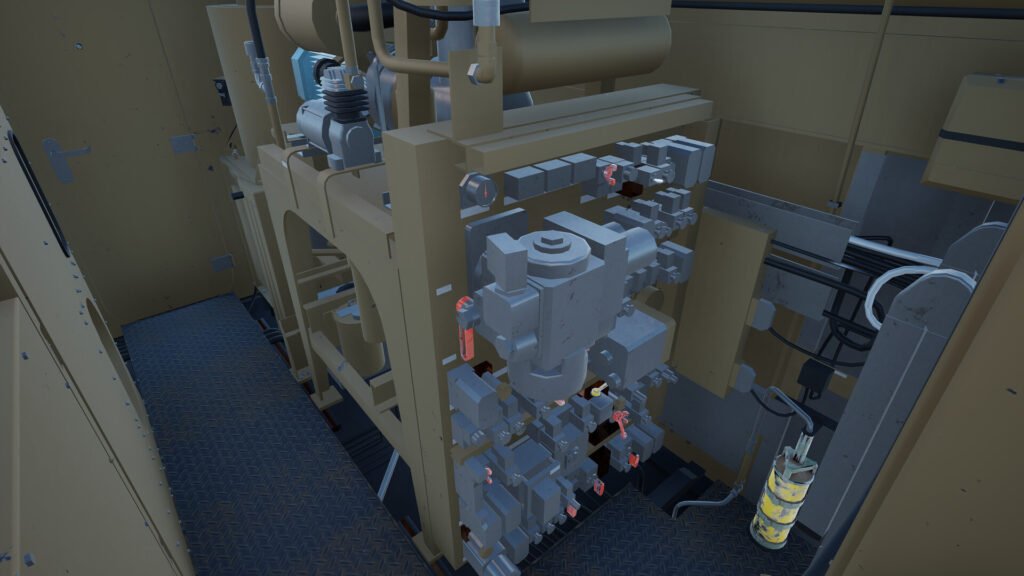
- Machine Room: The locomotive features a walk-through machine room with fully functional fuses and controls, adding to the cold start and diagnosis procedures.
- Authentic Safety Systems: True-to-life operation of German safety and communication systems is required:
- PZB: Requires manual and authentic data entry, including switching between U, M, and O modes and inputting correct train length and speed data.
- GSM-R: Simulation of the European standard for railway communication.
- Detailed Operations: Players must master tasks like cold starting the locomotive, realistic door operations (TB0 and SSTF), and temperature management for window demisting.
- IC Steuerwagen: The Bpmmbdzf 286.1 cab car is built to the same expert level as the locomotive, providing a comprehensive driving experience from the rear of the train in a push-pull configuration.
🛤️ Route Compatibility
The add-on is compatible with TSW 4 (and subsequent versions TSW 5 and 6) and adds specialized services to the following German routes:
- Salzburg – Rosenheim
- Dresden – Riesa
- Kinzigtalbahn: Frankfurt – Fulda
- Schnellfahrstrecke Kassel – Würzburg
Note: Due to its complexity, the add-on includes detailed tutorials, but consulting the provided Driver’s Manual (PDF) is highly recommended for the full, intended simulation experience.
🛒 Availability
The Expert DB BR 101 add-on is available for digital purchase on all major gaming platforms:
- PC: Steam Store and Epic Games Store
- Console: PlayStation Store US and Xbox Store
That’s a fascinating request that requires diving into the specific content of the Expert Add-On! I’ll use the search tool to find details about the complexity of the PZB system and the specific challenges of the “Malfunction” scenario.
This is an excellent summary of the Expert DB BR 101 & IC Steuerwagen Loco Add-On, highlighting its status as a “study level” expansion.
The search results provide fascinating, detailed information about the complexity of the PZB safety system and the nature of the included scenarios and fault simulation.
🧠 Expert DB BR 101: The Simulation Deep Dive
The Expert DB BR 101 add-on is defined by its meticulous recreation of complex German rail operations, requiring knowledge of the locomotive’s systems and strict adherence to safety protocol.
🇩🇪 Deep Dive: PZB System & Train Data Entry
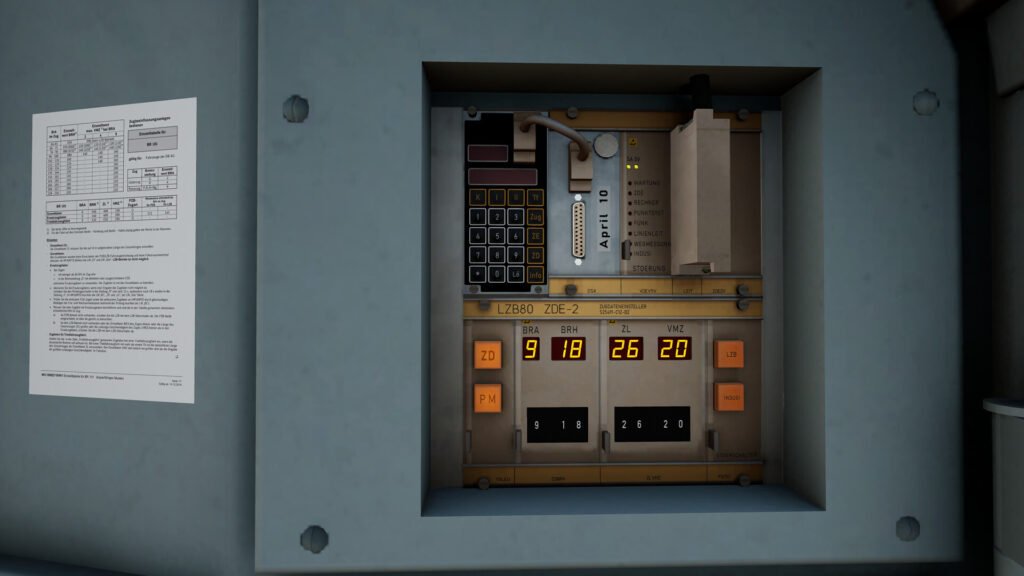
The PZB (Punktförmige Zugbeeinflussung) system simulation is one of the biggest challenges, requiring authentic data input via the ZDE (Zugdateneinsteller) panel on the cab display:
- PZB Modes (U, M, O): The mode selected determines the maximum monitored speed and the required braking curve in response to a warning signal (1000 Hz magnet).
- Mode O (Ober): Passenger Trains / High Brake Performance. Max monitored speed is 160 km/h. Requires braking to below 85 km/h within 23 seconds of a warning. (Generally used for IC trains, which have a high brake percentage).
- Mode M (Mittel): Light Freight. Max monitored speed is 120 km/h. Requires braking to below 70 km/h within 29 seconds.
- Mode U (Unter): Heavy Freight / Low Brake Performance. Max monitored speed is 100 km/h. Requires braking to below 55 km/h within 38 seconds.
- Data Input: Before starting a service, the player must manually input complex data:
- BRA (Brake Setting)
- BRH (Brake Percentage)
- ZL (Train Length)
- VMZ (Maximum Authorized Speed)
- Incorrect data input can prevent the LZB/PZB system from activating or lead to unnecessary penalty stops.
⚙️ Fault Management and Scenarios
The add-on features a sophisticated Fault Module that generates random, realistic faults that the driver must diagnose:
- Fault Simulation: Randomly occurring faults are enabled by default in Expert Mode. These can range from minor issues to system-critical failures.
- Diagnosis: To fix a fault, the player must consult the detailed i-button messages and may have to physically walk into the machine room to check fuses or interact with switches.
- Scenario Example: “Rescue”
- A scenario included in the Kassel – Würzburg Gameplay Pack, “Rescue,” features a complex operation that involves cold starting the BR 101, performing a light engine run, and receiving written order forms from the dispatcher to enter a section of track occupied by a stranded train. This is a level of immersion rarely seen in Train Sim World content.
The Expert DB BR 101 is clearly designed to challenge players who seek the complexity of professional German rail simulation.